Bug and security reports
For whoever is running the desk.
A public form where anybody (customer or not) can report a fault or a vulnerability, which lands as an issue in the project you choose, with a timeline the reporter can follow.
It is separate from tickets on purpose. A security report must not sit in a queue a dozen agents can read, and a stranger reporting a bug should not need an account.
Report types
Per brand, and each one decides where its reports go:
- A name and description (what this kind of report is for).
- Guidance shown on the form.
- A project: which is also the visibility boundary. A type pointed at a members-only project produces reports only that project’s members can see.
- Security or not, which changes the wording and the handling.
- Custom fields: the questions you always end up asking: affected version, URL, steps.
Pointing your security type at a members-only project is the whole security model here, and it is worth doing before you publish the form.
What a reporter does
- Fills in the form: their name and email, a title, the details, severity, affected version, your custom fields, and files.
- Confirms their email address. Nothing reaches a project and no link is issued until they do. Files wait with the report and move onto the issue on verification.
- Gets a reference, and a link to a timeline showing only what staff have explicitly published.
They are emailed on each published entry. A declined report shows the decline alone.
Human verification (Turnstile) is checked here when the brand has it configured.
What staff do
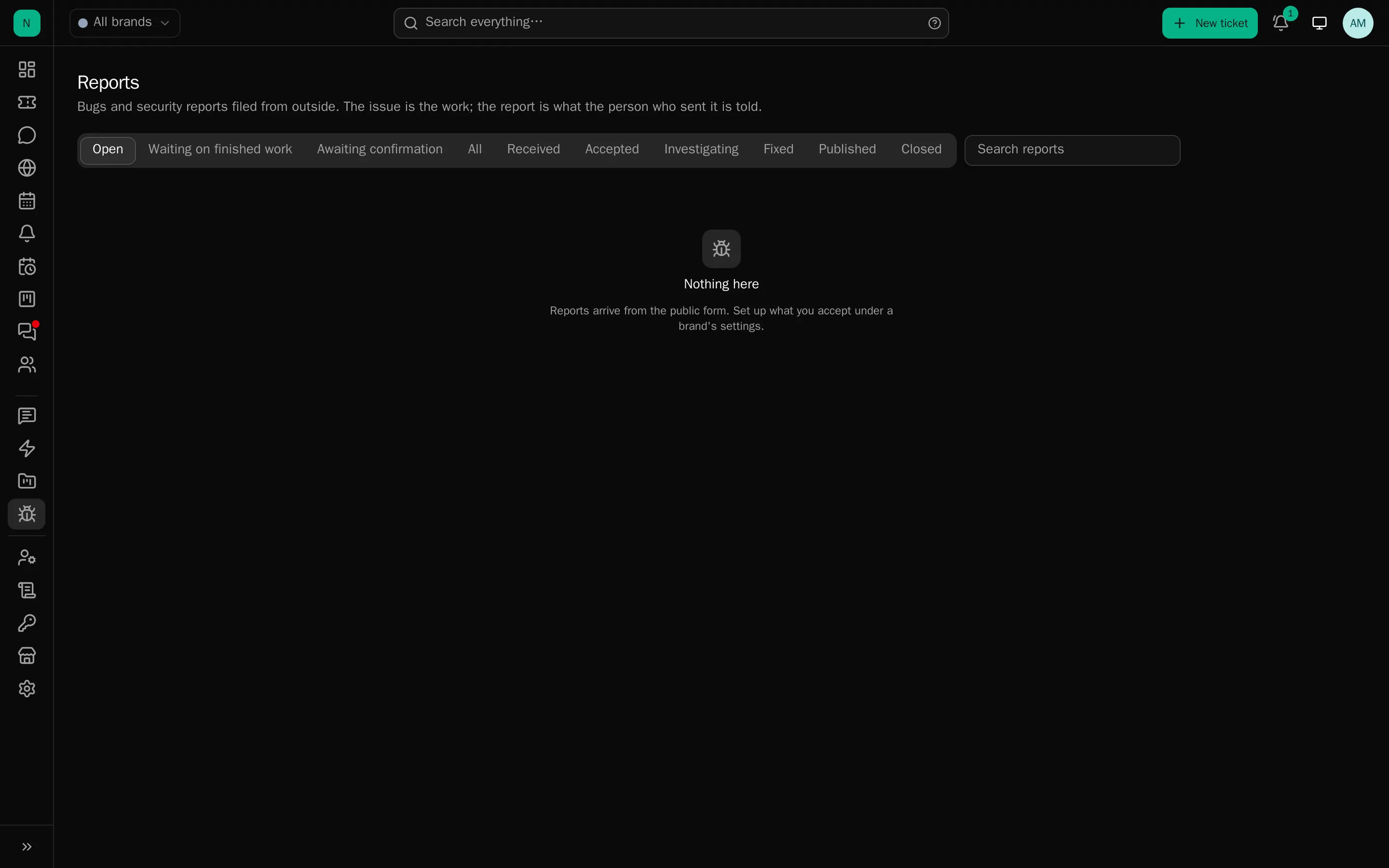
The Reports queue, with tabs and counts:
- Confirmed by the reporter: waiting for somebody to accept it.
- Accept: open a new issue for it, or join one that already exists. Optionally email the reporter then and there. Files travel with the report and can be read before acceptance.
- Work the issue as normal.
- Publish entries to the reporter’s timeline, or decline with a reason.
A report’s status is never taken from the issue’s status. Somebody sets it deliberately, because “fixed in the tracker” and “the reporter has been told” are different facts and conflating them is how people end up never hearing back.
Nothing waits unseen
Three things make sure a report attached to an issue is never lost:
- A standing list. Verified, unanswered reports whose issue is Done have their own tab with a count, and the sidebar’s Reports entry wears the same number. It exists because the prompt below only fires on one screen, a status set from the list, in bulk or by a script asks nobody.
- Issue cards and rows show “N waiting”, amber once the work is finished.
- Finishing an issue asks. Marking an issue Done opens the “answer the people who reported this” dialog itself when reports are still waiting. One answer covers everybody on that issue: the status they are shown, whether it reaches their timeline, an email, or neither, and the words. “Say nothing to them” is an ordinary answer there, a choice rather than a gap.
Each person waiting also has their own controls on the issue: answer just this one, read what they have actually been told, add somebody to the report, or close it with a reason.
Without a project
A report type does not have to name a project. Those reports belong to their brand: anyone who works the brand can see and act on them, and accepting one asks where the work should live. This is the right shape for a small desk that does not use the issue tracker.
What a script cannot do
An automation key can work issues but cannot answer a reporter at any permission, those routes are not on its allow-list at all. What it can do is refuse to let work finish silently: every write says on stderr that somebody is waiting, so the agent’s own output tells it to hand back to a person.
Advice
- Publish the form’s address where people will look: a
/securitypage, asecurity.txt, your documentation. - Say what you promise. A response time, and whether you offer anything for a good report.
- Accept or decline quickly. A reporter with no answer for a fortnight publishes instead.