Platform signals
For whoever is running the desk.
Things happening in your billing system that the desk should notice: a cancellation requested, a service suspended, a payment failed, brought in so somebody can act before the client writes in.
Nothing about it is Blesta-specific or cancellation-specific: the platform declares which kinds it can supply, and the desk asks for the ones the brand wants.
What a signal carries
A stable reference, the client’s platform id, a kind, what it is about, free-form details (package, term, price, label), the reason the platform recorded, when it was requested, when it takes effect, and a link to the record.
Clients are matched on the platform id, never on an email address, as everywhere else in the desk.
Settings, per brand
On or off; which kinds to fetch; how far back to look the first time; how often to look again (default 15 minutes); the department a ticket should open in; an optional canned response to start that ticket from; and whether to alert that department.
A failure is recorded on the brand, shown on the page and the brand card, and reported to administrators after a quarter of an hour, exactly as a failing mailbox is.
The Signals page
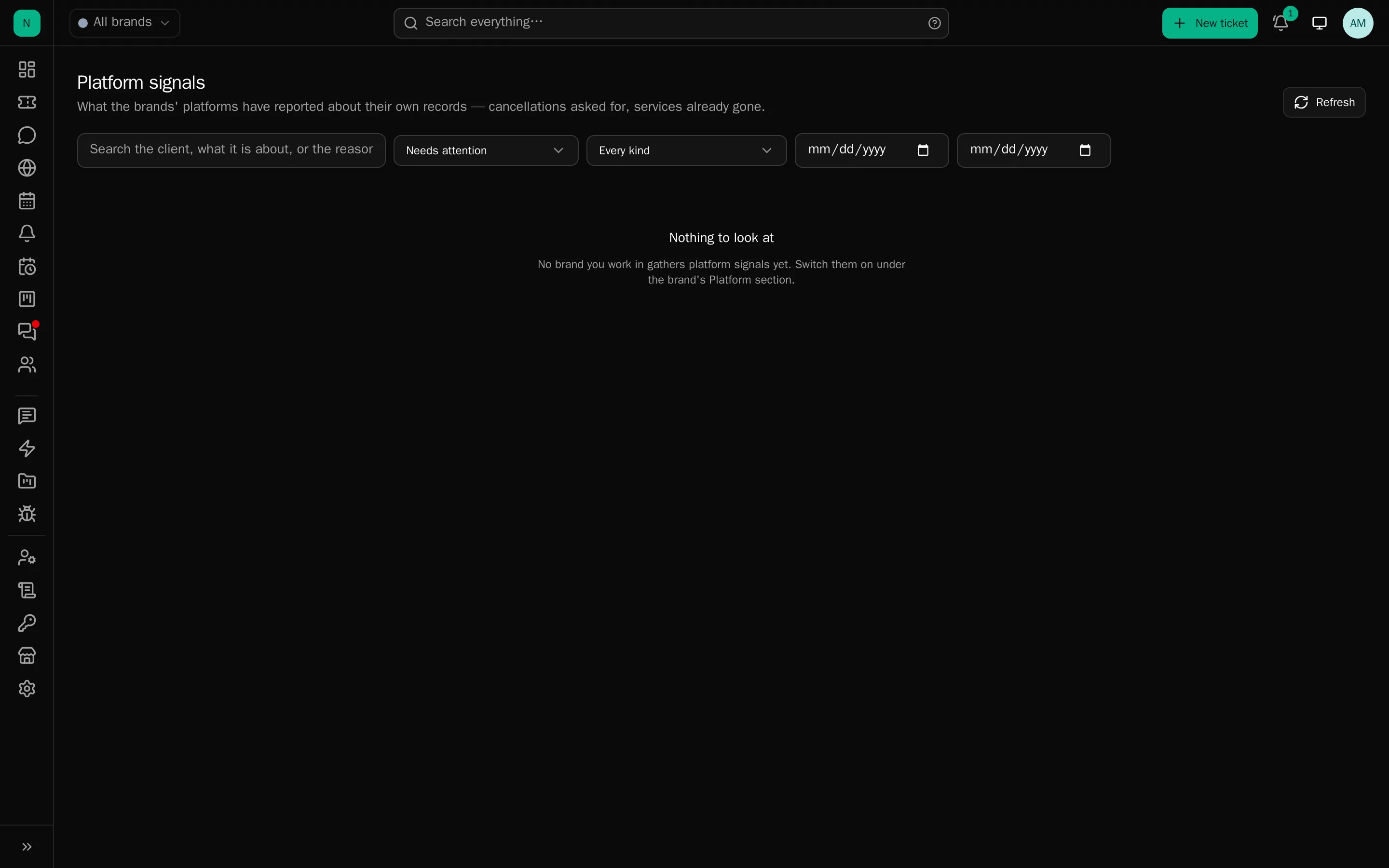
In the sidebar, shown only where a brand gathers them. Filters by brand, kind, state, search and date range, with count chips. Each row shows the client, what it is about, when it was requested, when it takes effect, the reason and its state.
Row actions: open a ticket, mark handled, dismiss, put back, view the client, or open the record in the platform. A detail sheet shows everything the platform sent.
Tick several rows and the same moves apply to the lot: handled, dismissed or put back in one action, up to 200 at a time. Each one is still checked and recorded on its own, so a selection spanning a brand you do not work in moves what it may and tells you how many it left alone.
Re-fetching updates a record in place and never resurrects one somebody has already handled or dismissed.
Opening a ticket
Creates it for that client in the configured department, seeded from the canned response with the
signal’s own details available as placeholders, {signal_subject}, {signal_reason},
{signal_effective_at}, {detail.<name>}, links it back to the signal, and jumps to it.
A client’s outstanding signals also appear on the ticket rail and the client pane, so a pending cancellation is visible while you are replying about something else.
Rules can act on them
“A platform signal arrives” is a rule trigger. Such a rule narrows by kind and by the client conditions, and its actions are: open the ticket, put the signal in somebody’s hands, and every ticket-shaped action once the ticket exists. Without a ticket, ticket-shaped actions are recorded as skipped rather than quietly dropped. Rules on signals can be backtested against recent ones.
Accounts with no desk record
Signals arrive for accounts that have never opened a ticket, so a row with no client is normal, and stops being so the moment that client appears. The desk joins them up as clients arrive, and a platform id moving to another account takes its signals with it.
Excluded clients
Accounts a brand does not want chasing: internal and test accounts, resellers, anyone on a special arrangement. Their records are skipped on every fetch: nothing stored, nothing counted, nobody told, and anything of theirs still waiting is dismissed with a note saying why.
Kept against the platform’s own account id, so an account with no desk record can be excluded too. Managed from the brand’s Platform section or from the client.
Advice
- Start with one kind (usually cancellations) and a rule that only opens a ticket for the ones with a reason worth answering.
- Set the department deliberately. Signals landing in general support get triaged twice.
- Exclude your own test accounts on day one, or you will be chasing yourself.