Staff and permissions
For whoever is running the desk.
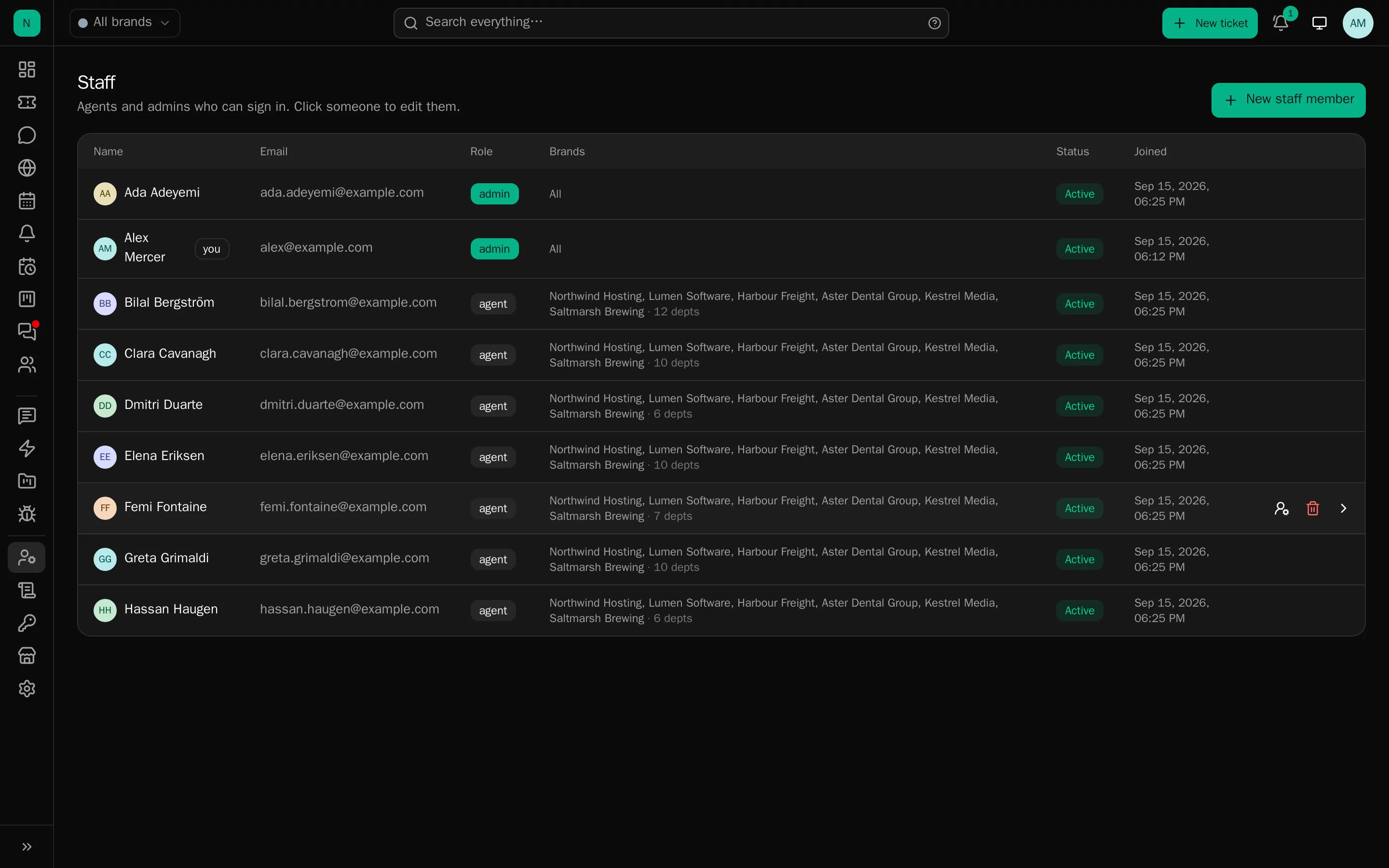
Two roles, and a handful of switches. The model is deliberately small: what somebody can reach is decided mostly by which brands and departments they are in, not by a matrix of permissions.
The two roles
Administrator : Everything, everywhere. Settings, all brands, all departments, all clients, every project, the audit log. There is no per-brand administrator; if you want someone who runs one brand only, make them an agent with all of that brand’s departments and the permissions below.
Agent : Limited to the brands and departments they belong to. Within those they work tickets normally: reply, assign, change status, tag, link to issues, chat. A ticket assigned to them stays visible to them within their brands.
Per-agent permissions
Ticked on the staff member’s page, each one off by default:
| Permission | Allows |
|---|---|
| Rules | Reading and editing the brand’s automation rules |
| Canned responses | Adding and editing the shared responses |
| Client list | Browsing clients, rather than only seeing the client on a ticket |
| AI on tickets | Suggested replies, summaries and reply analysis |
| AI console | The command console |
Project access is separate and lives on the project; see Issues and projects.
The staff page
Sections down the side, one explicit save, and a guard that stops you leaving with unsaved changes:
- Profile: name, email, signature (appended to customer-facing replies).
- Brands and departments: the membership that decides what they can see.
- Permissions: the five switches above.
- Sign-in and security: password, two-factor, passkeys, trusted devices, and signing them out everywhere.
- Notifications: which events reach them, and by which route.
Personas
A persona is an account that cannot sign in but can own and answer tickets: “Billing Team”, “Night Shift”, a former colleague whose replies must stay attributed. Useful when you want a name on outgoing mail that is not a person.
Working as somebody else
An administrator can work as any active staff member, for reproducing a complaint, or for covering somebody who has left. The ticket history records who really acted, not the person they were working as, and the audit log has both. It is not a way to act invisibly.
What agents cannot do, whatever you tick
- Reach a brand or department they are not in.
- See a members-only project they are not named on, or anything belonging to it, including reports whose type points at it.
- Change desk-wide settings, retention, provider keys or another person’s account.
- Delete an audit entry. The log is append-only.
When somebody leaves
Switch the account inactive rather than deleting it. Their replies stay attributed, their tickets stay where they are, and the account can no longer sign in. Deleting a person would leave a history full of holes.
Sign them out everywhere from their page, which kills sessions, tokens and trusted devices immediately. Also check for automation keys they made: a key carries its maker’s name, and stops working when they lose the project, but revoking it deliberately is tidier.