Automation rules
For administrators.
If this happens, and these are true, do that. Rules are the desk’s automation: they tag, route, assign, answer, escalate and remind, and they are the right place for every “we always…” your team says out loud.
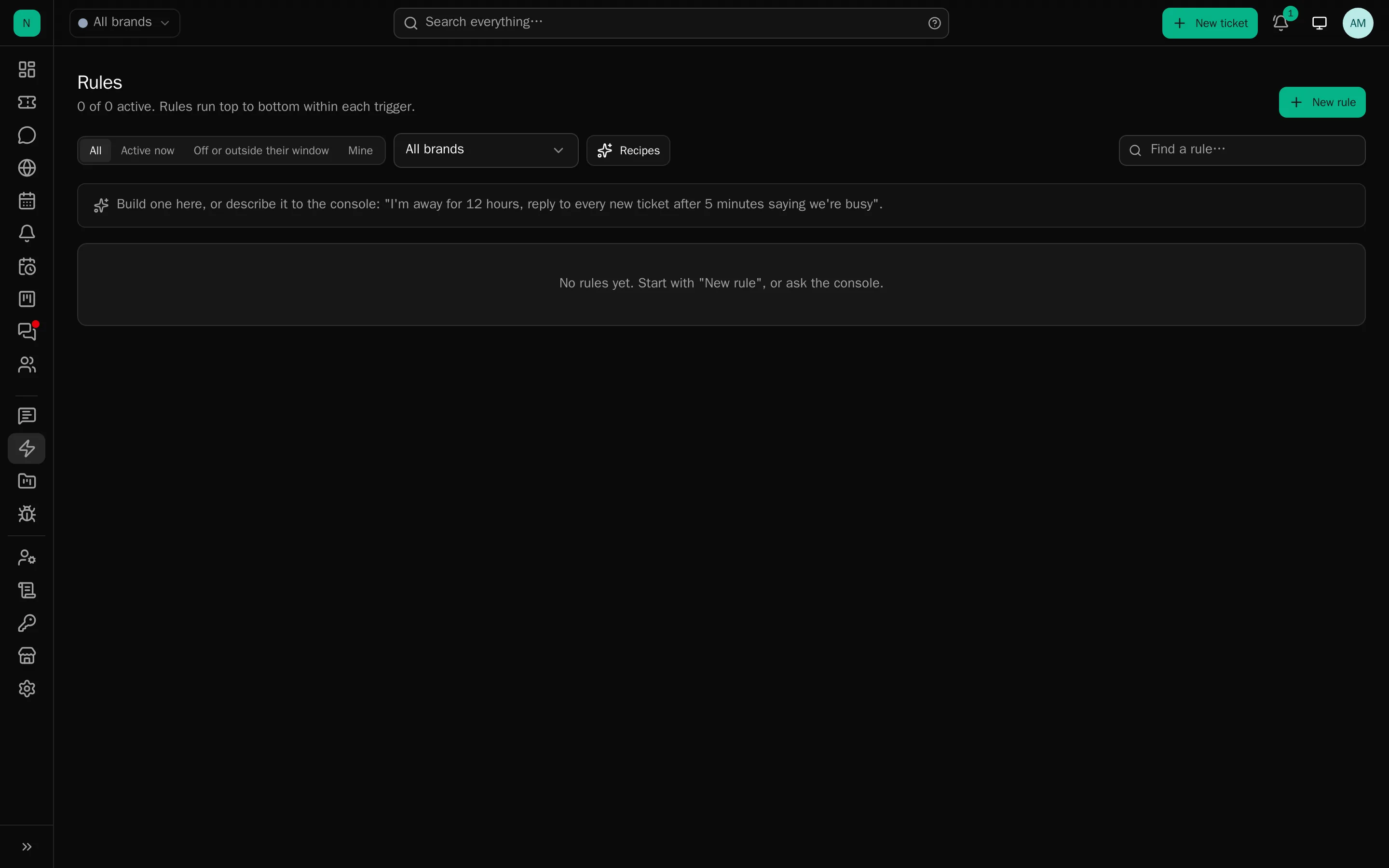
The shape of a rule
Trigger: the event it listens for:
ticket opened · client replied · staff replied · status changed · reopened · assigned · priority changed · department changed · note added · tags changed · tickets merged · a client rates the ticket · screening flags an upload · a chat goes unanswered · a platform signal arrives · time passed (checked every minute)
Conditions: what must be true. They nest in “any of” and “all of” groups:
- About the ticket: age, no staff reply, no reply for N minutes, status, previous status, priority, unassigned, department, brand, source, reply count, assignee, tags, custom field, attachments, files still being screened.
- About the text: words in the subject, in the latest message, or in any message.
- About the client: email domain, guest or not, known to the platform, an open platform signal.
- About the world: the department is open or closed, an incident is open for the brand (any, or one affecting a named component), where the ticket was sent from (country, or a hosting/VPN network).
- About the rating: the normalised score, so “below three of five stars” is “at most 25” on any scale.
- From the AI: urgency, sentiment, spam score, topic, language, predicted department with a confidence threshold, suggested tag, request type, product area, flags.
Actions: what it does:
reply (as the rule’s owner, or unattributed) · internal note · set status, priority or department · assign to someone or round-robin · hold for hours · snooze until a time (still giving way to a client reply) · set a reminder for the assignee, the owner, a named person or the department · add or remove tags · apply the AI’s suggested tags · add the client to a static mailing list · reply with the current incident status in the status feed’s own words (and send nothing when nothing is open) · add an AI reading of the client’s latest message as an internal note · set a custom field · raise priority · notify staff · call a webhook · run AI triage · trash · stop processing later rules
Windows and pacing
- When it may run: always, until a date, between dates, or a weekly schedule that can follow a department’s opening hours.
- Delay before acting, and for time-based rules, repeat every N hours.
- A brake: at most N runs an hour, per rule.
- Automatic pause after repeated failures, with an alert to administrators.
Shadow mode
A rule in shadow mode logs what it would have done and does nothing. Every non-trivial rule should spend a day there first. It is the difference between discovering a mistake in the log and discovering it in a client’s inbox.
Backtesting
Before saving, run the rule against recent tickets and see which it would have matched. For the platform-signal trigger, against recent signals. Plus: a plain-English sentence of what the rule says, and a test against one named ticket.
Together with shadow mode this is the whole safety story, and it is worth using both.
Watching them
- Seven-day run counts on the list, a fourteen-day daily breakdown in the editor.
- Recent activity per rule, and what it did.
- A full change history: who changed what, when.
Rules and brands
A rule can belong to a brand: it runs only on that brand’s tickets and signals, uses only its departments, tags and lists, and appears on the brand’s Rules tab. Drag to reorder: order matters, because “stop processing later rules” exists.
Who may write them
Administrators. An agent with the rules permission can create temporary reply rules in their own name (the holiday auto-answer, the “we know about the outage” line) without being able to touch routing or escalation.
Rules worth having on day one
- Tag and route by content on “ticket opened”, the single biggest saving.
- Escalate the forgotten: time passed, no staff reply for N hours, in an open department: raise priority and notify.
- Close the loop on bad ratings: rating received, score at most 25: tag it and tell a manager.
- Say we know: an incident is open affecting a component: reply with the current status, in the status feed’s own wording.
And one to avoid: an automatic reply on every ticket opened. It reads as a machine to the client and delays nothing for you.